Panduan · 6 min read
Make Your AI Host Smile: Cheerful Mode & the Excited / Hype Gesture
Pasukan LiveFluencer.AI · Panduan Produk ·
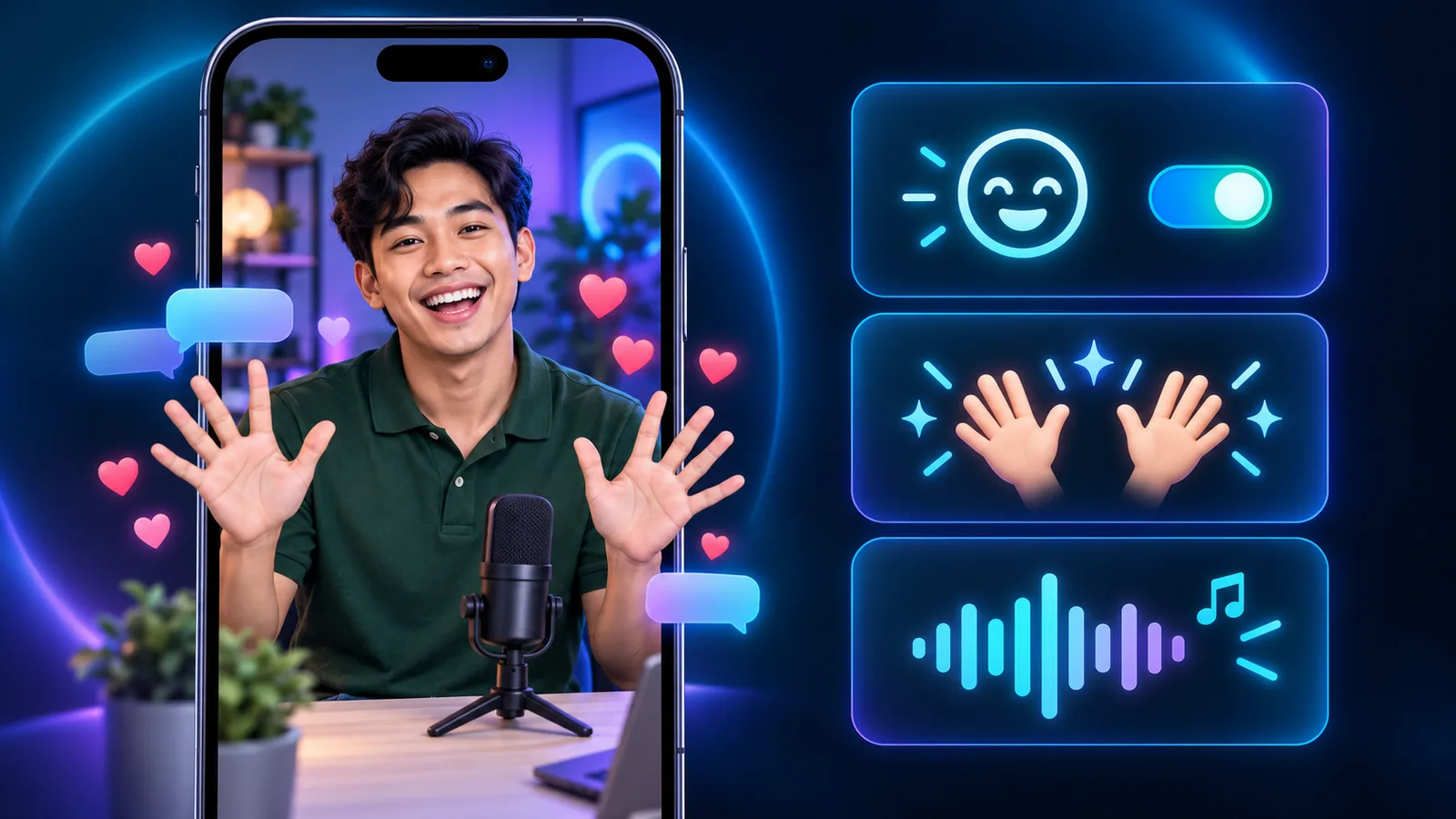
TikTok Live viewers buy from hosts who look like they're having fun. A big smile, a cheerful voice and moving hands make people stop scrolling. This guide covers two ways to get there: Cheerful mode (a happy host for the whole live) and the new Excited / Hype gesture (for promo moments), plus why your host photo matters so much.
1. Cheerful mode: a happy host for the whole live
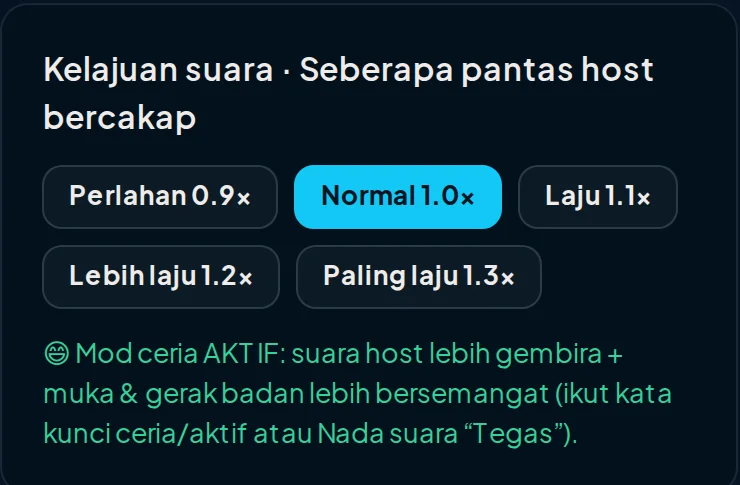
Cheerful mode does two things: the host's voice sounds happier, and between lines the host makes small upbeat moves — a big smile at the camera, an enthusiastic nod, a small clap, a soft laugh — about every 6 seconds.
Cheerful mode turns on when one of your personality keywords is cheerful, energetic, lively, happy or excited (or ceria, aktif, energetik in Malay), or when Tone intensity is set to "Strong". You can check it in step 2: press "Customize this host in detail", then look under Voice speed — a green "Cheerful mode ON" line means it's on.
Since 13 October, the E-commerce livestreamer, KOL, Creator and Knowledge instructor presets include the "ceria" keyword, so Cheerful mode is on automatically. The Emotional support preset stays calm on purpose — a happy voice doesn't fit when viewers share their problems.
Important: Cheerful mode doesn't rewrite your greeting or beats. The host says your words exactly, so write them cheerfully too: "Hey everyone!!", "Wow!", exclamation marks.
2. The Excited / Hype gesture: for promo moments
Excited / Hype is the 11th gesture in the Motion list. The host keeps a big toothy smile for the whole line, both open hands move excitedly at chest height, and there's a quick small clap. Lines that use this gesture are always spoken in the happy voice — even when Cheerful mode is off.

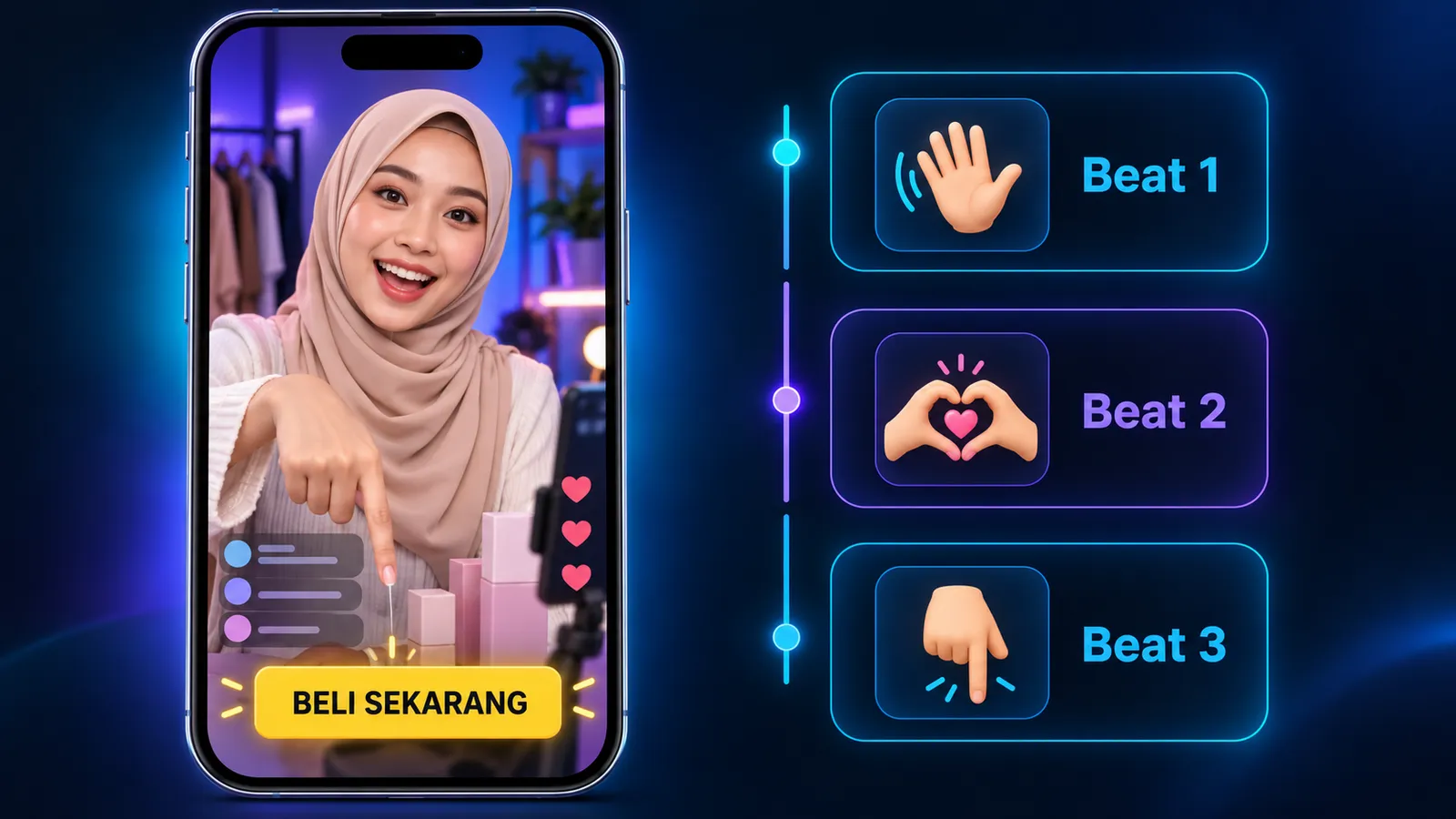
When to use it: the beat that reveals the price or promo ("Today's price is just RM12.90, buy 3 get 1 free!"), or when a big gift arrives. Use it sparingly — if every beat is Hype, it stops standing out.
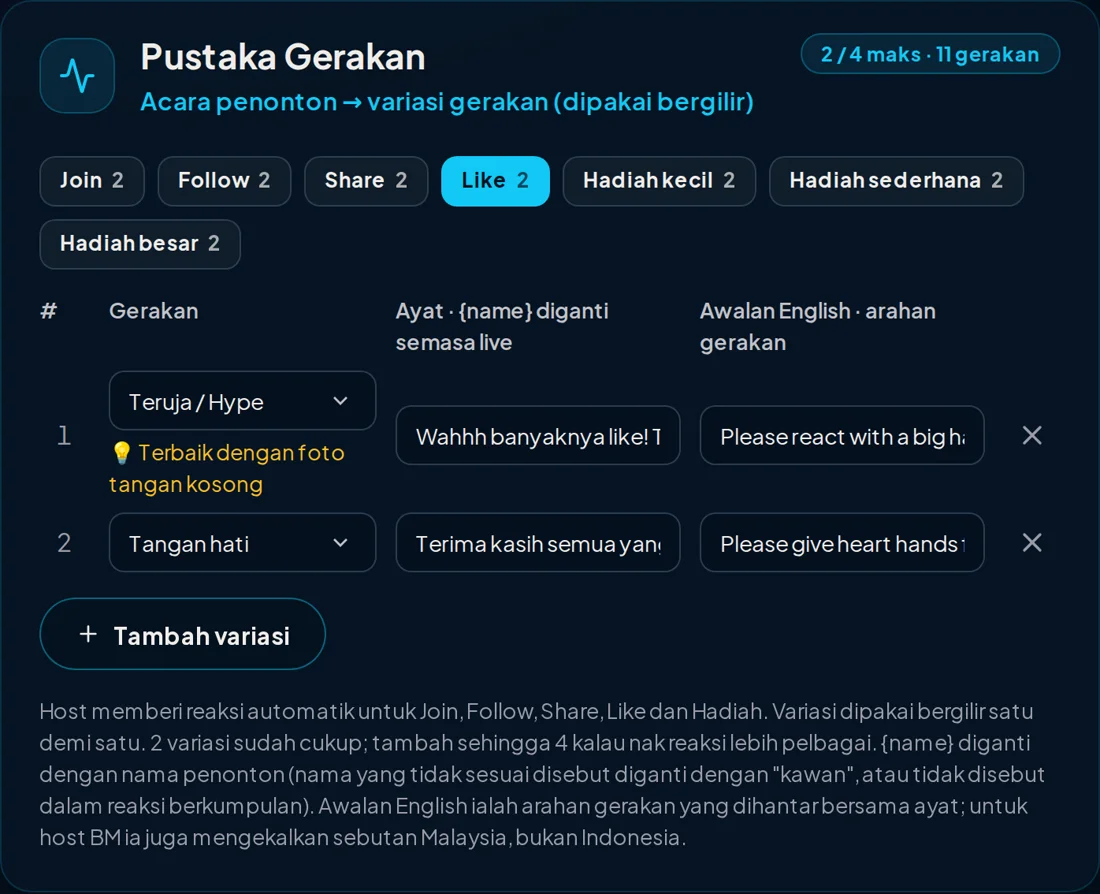
In the Motion Library, the first reaction for Likes, Medium gift and Large gift is now Excited / Hype by default. Auto-generate plan also puts Excited / Hype on the promo or price beat, and Natural hand gestures on beats that explain the product.
3. Your host photo decides a lot
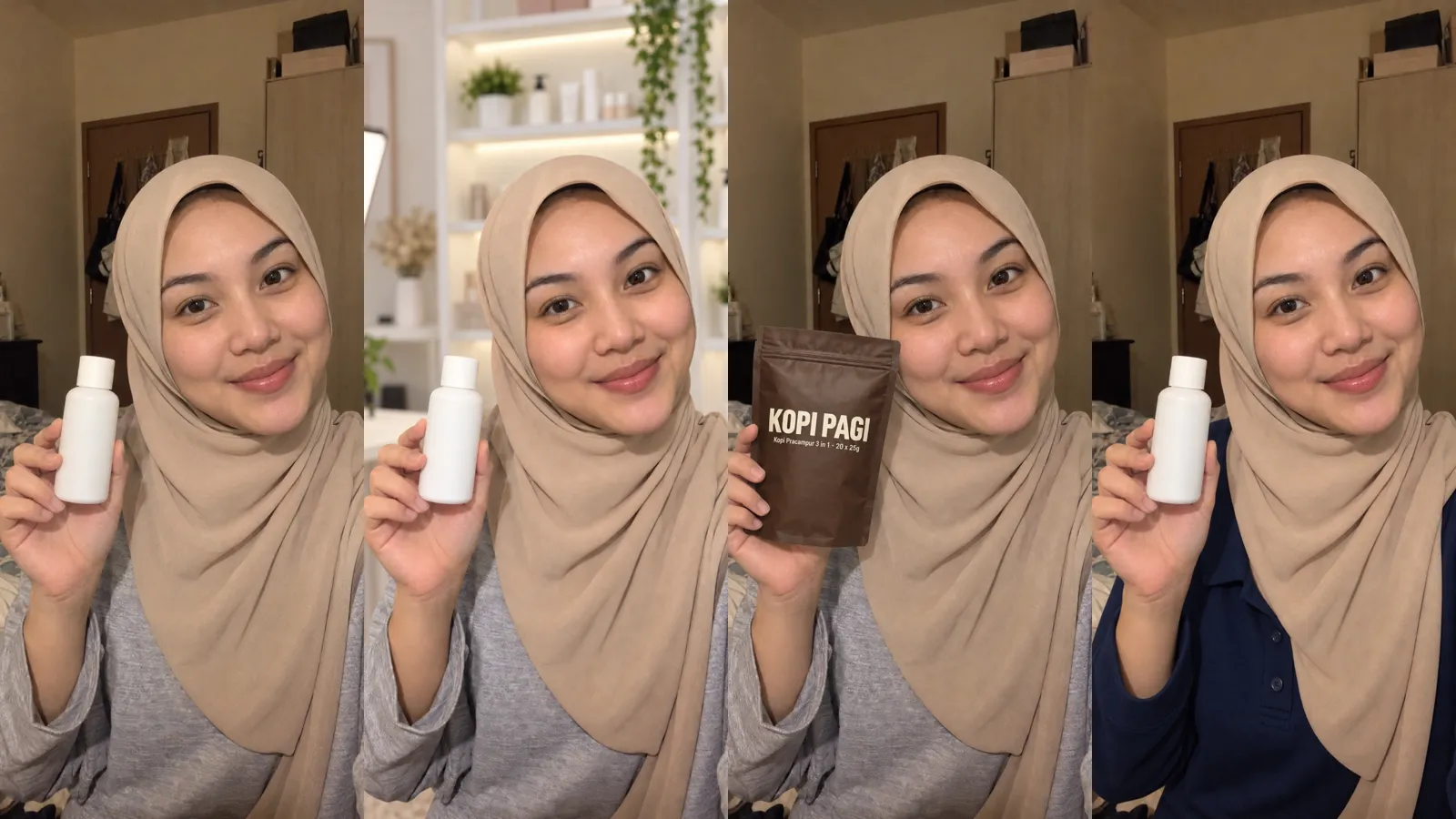
The AI host keeps returning to the hand pose in your photo. If the host holds a product or gives a thumbs up in the photo, the hands keep going back to that pose, so Hype and Natural hand gestures only show briefly. That's why both gestures carry the tip "Works best with an empty-hands photo".
The best photo for an expressive host: empty hands resting on the table, facing the camera, smiling or with the mouth slightly open. In our tests, a host with a photo like this kept a big smile with open hands for the whole Hype line.
4. Your product: upload it, AI fills in the rest
Don't want to type prices and answers? Step 3 has a Your product box: drop a product poster, PDF or link, check what the AI read, and press one button to generate the Q&A bank, script beats and gestures. The full steps are in the Product Upload Guide.
Quick summary
Want the host smiling all live long: turn on Cheerful mode (a cheerful/energetic keyword, or Tone "Strong") and use an empty-hands photo. Want one "wow" moment: pick Excited / Hype on the promo beat. Don't want to type: follow the Product Upload Guide.
The AI host follows these instructions well most of the time, but not 100% of the time. Test in the Simulator first (simulator sessions also use credits, so press STOP when done), then take it to a real live.
Try your own AI host
1 credit = 1 live minute. You know the cost before you start.